

What Vity keeps about you
Vity keeps the conversations you send separately from the memories it makes from them. Deleting a memory does not delete the conversation it came from.
How Vity uses it
Vity uses your data to give you memory and the apps built on it: to recall what you have told your AI tools, to build your profile, and to power features such as Sound Like Me. To do that, Vity sends your content to outside AI model providers that process it for Vity. That includes your conversations, your memories, what you or your agent are asking about, and text you give Vity’s apps to summarize or rewrite. How long each provider keeps what it receives is set by that provider’s own terms. Vity’s own systems can read your content to provide the service. Vity is not end-to-end encrypted. The browser extension and the Hermes plugin also send usage analytics, which you can switch off; see Your controls.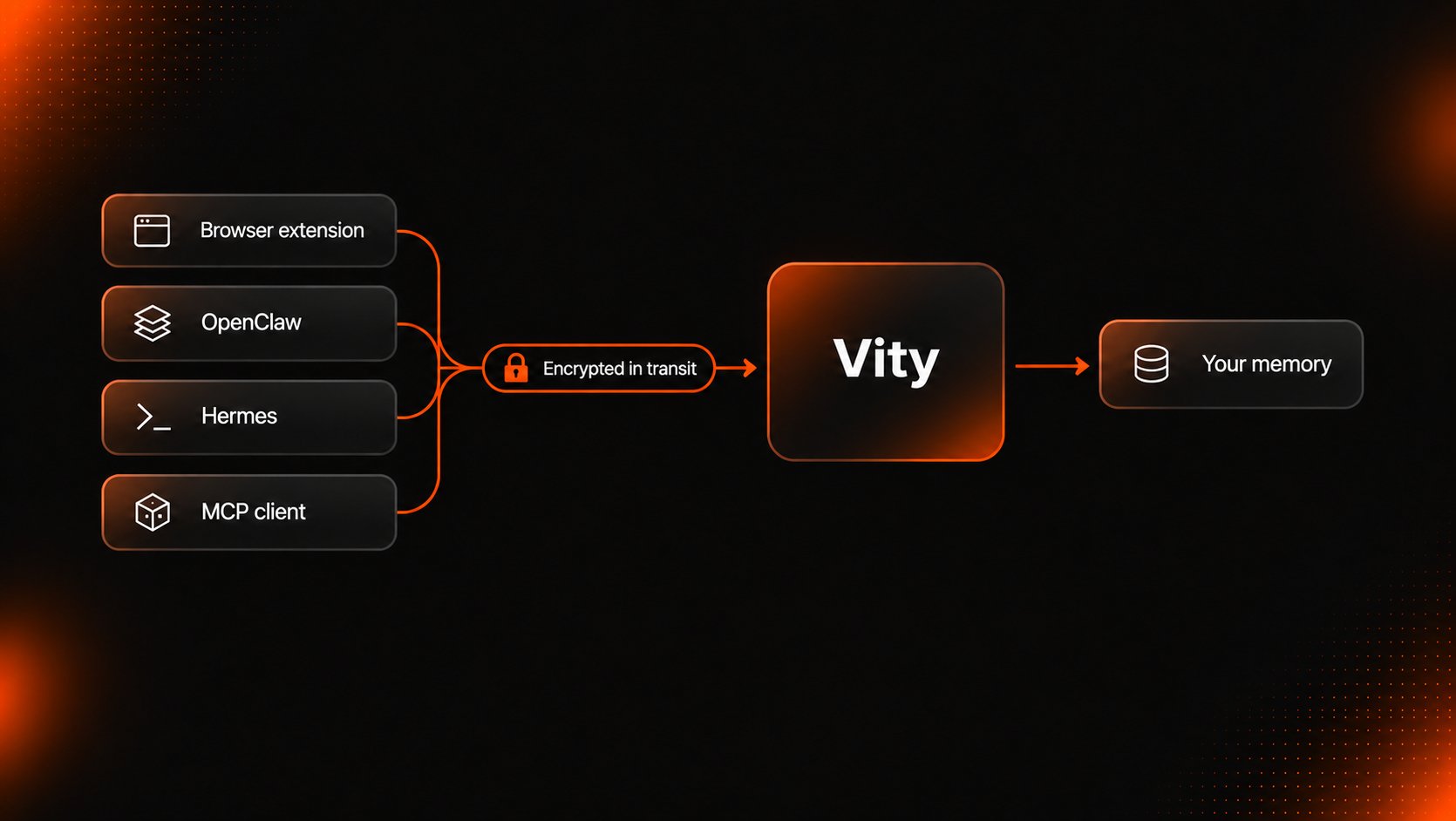
How it is protected
Your tools and the dashboard connect to Vity over encrypted connections. Vity is not end-to-end encrypted: its systems can read your content in order to provide the service, so do not use Vity to keep secrets such as passwords. Your API keys are different: after you create a key, Vity cannot show it to you again.Who can reach it
- Your keys and your sign-in reach only your own account. Vity works out whose memory to use from the key or sign-in on each request, so your key cannot reach another account.
- Anyone with one of your keys can read and change your memory. All keys on your account reach the same memory. If a key leaks, revoke it under API Keys in the dashboard and it stops working straight away. See Configuration.
- Agents cannot delete through the MCP server. It has no delete tool. See Deleting memories.
Your controls
Delete one memory or several
- In the dashboard, open Memories.
- Open the menu on a memory and choose Delete. It is deleted straight away; there is no confirmation step.
- The conversation it came from. The conversation, its summary and the topics worked out from it stay.
- Related information. People and things the memory mentioned, and older versions of memories that Vity merged or updated, can remain.
- Recall for a short time. A deleted memory can still show up in recall for a few minutes.
Ask an agent to forget
The OpenClawmaximem_forget tool and the Hermes vity_forget tool (or hermes maximem_vity forget) delete memories that match what you describe. Both show a preview first and delete only when you confirm.
- A request with a description deletes up to 100 of the closest matches.
- A request with no description, which OpenClaw allows, deletes up to your 1,000 most recent memories. That may not be all of them.
- Each request uses 1 credit, previews included.
Delete your Sound Like Me voice data
On the Sound Like Me page, click Delete my voice data, typeDELETE MY VOICE, and confirm. This removes your voice profile, your writing samples and your tone settings.
Delete your account
- In the dashboard, open Settings, then the Privacy & Data tab.
- Under Danger Zone, click Delete Account.
- Type
DELETE MY ACCOUNTand click Delete it.
Export your account data
In the dashboard, open Settings, then the Privacy & Data tab, and click Export next to Export my data. You get a JSON file with your account details (name, email, phone number, date of birth, time zone and profile photo, where you have set them), your email and notification settings, and your most recent notifications (up to 500). The export does not include your memories. Memories cannot be exported today.Switch off analytics
The browser extension and the Hermes plugin send usage analytics, on by default. To switch them off, see What leaves your browser for the extension and Hermes plugin settings for Hermes.How long Vity keeps your data
Vity keeps your data until you delete it or delete your account. It does not delete memories after a set time.- Conversations are kept separately from your memories, so deleting a memory does not remove them. Deleting your account does.
- Data in your browser. The browser extension keeps some data in Chrome, such as your settings and recent searches, and signing out does not clear all of it. The Browser extension page says what it keeps.